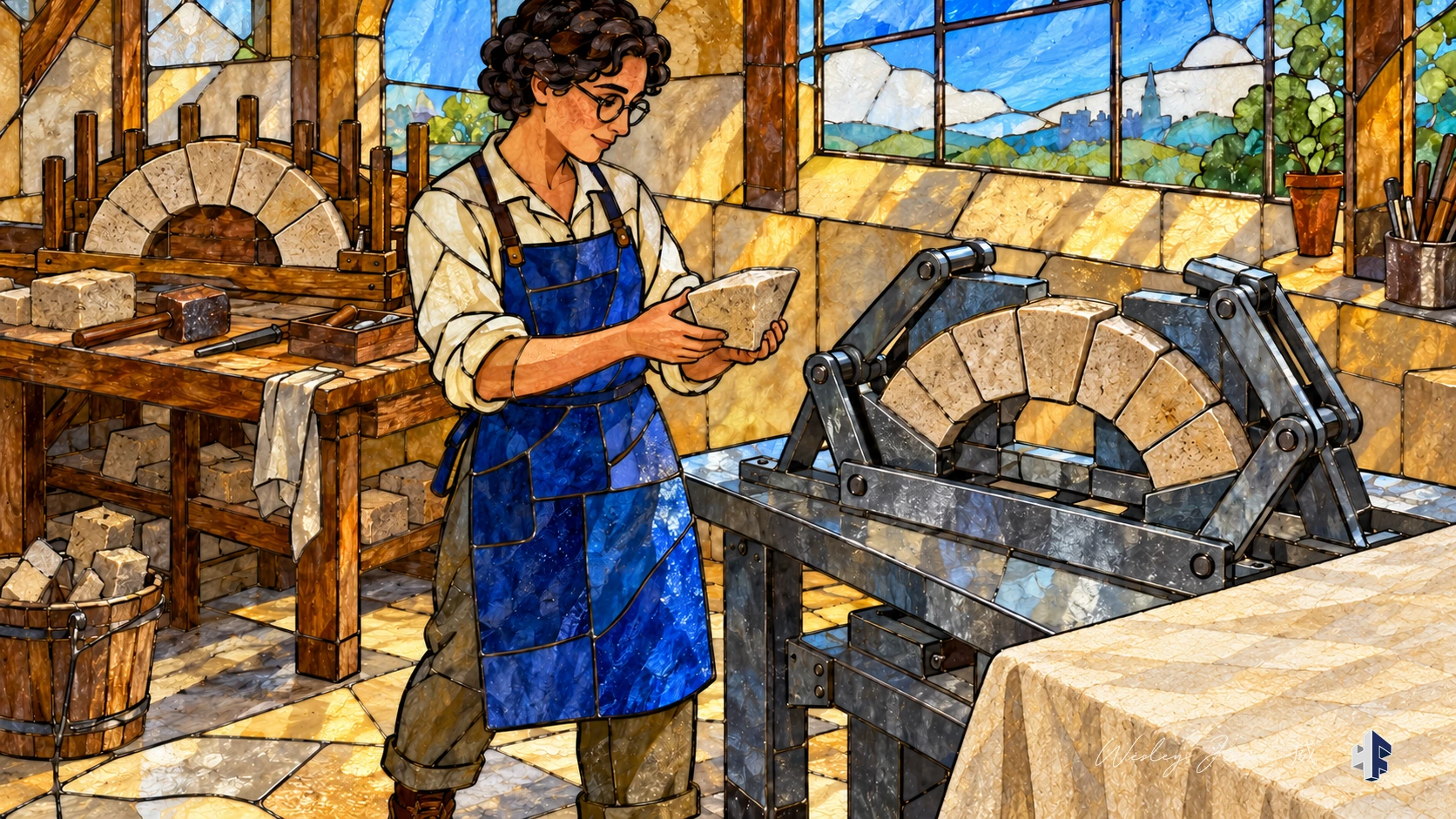
Your go-to software just updated. The feature you used without thinking yesterday is buried in a different menu today. Your cursor hovers over the screen, and suddenly you’re not so sure: how much of your old fluency is actually left?
Knowing where things are is a skill too
Don’t be too quick to dismiss the days when you knew where every button lived. Knowing a tool well means fewer interruptions and steadier work, and knowing where things tend to go wrong usually comes from using it many, many times.
But not all hands-on experience is the same kind of thing. Some of it is tied to a particular version, like a set of keyboard shortcuts. Some is tied to the task itself, like knowing, when you edit, which shot the audience has to see first for the next reaction to make sense.
Both are useful. When the tool changes, pull them apart first. That shows you what to learn next far better than declaring yourself obsolete, or declaring that the buttons never mattered.
Translate the button into a purpose
Say you’re cutting an interview. You knew a certain transition inside out, but the new tool doesn’t have it. First ask: was that effect there to show time passing, to change the subject, or just to make the screen look busier?
If the point is simply to let viewers notice the scene has changed, a pause, a different sound or even a straight cut will do it. Whether it fits depends on what comes before and after.
Translate the move into its purpose and you have more ways in to a substitute. You might also find the effect was never really needed. You just knew how to use it, so in it went, every time.
The button tells you where. The purpose tells you why.
Describing it isn’t the same as doing it
When AI can do the clicking for you, this distinction matters even more. You can say “make the pacing a bit lighter,” and what comes back might be sped up, stripped of pauses, or stuffed with transitions. Which one did you actually want?
Move your request closer to things you can check: how soon the opening makes the topic clear, which pauses keep the speaker’s emotion, which line would change the meaning if it were cut. Conditions like these make the collaboration concrete, and give you a reason to accept the result or send it back.
Still, being good at describing doesn’t automatically replace every skill. Damaged audio, thin footage, details that need tweak after tweak: these still call for real expertise and hands-on work. Judgment and execution can be split up, and they keep correcting each other.
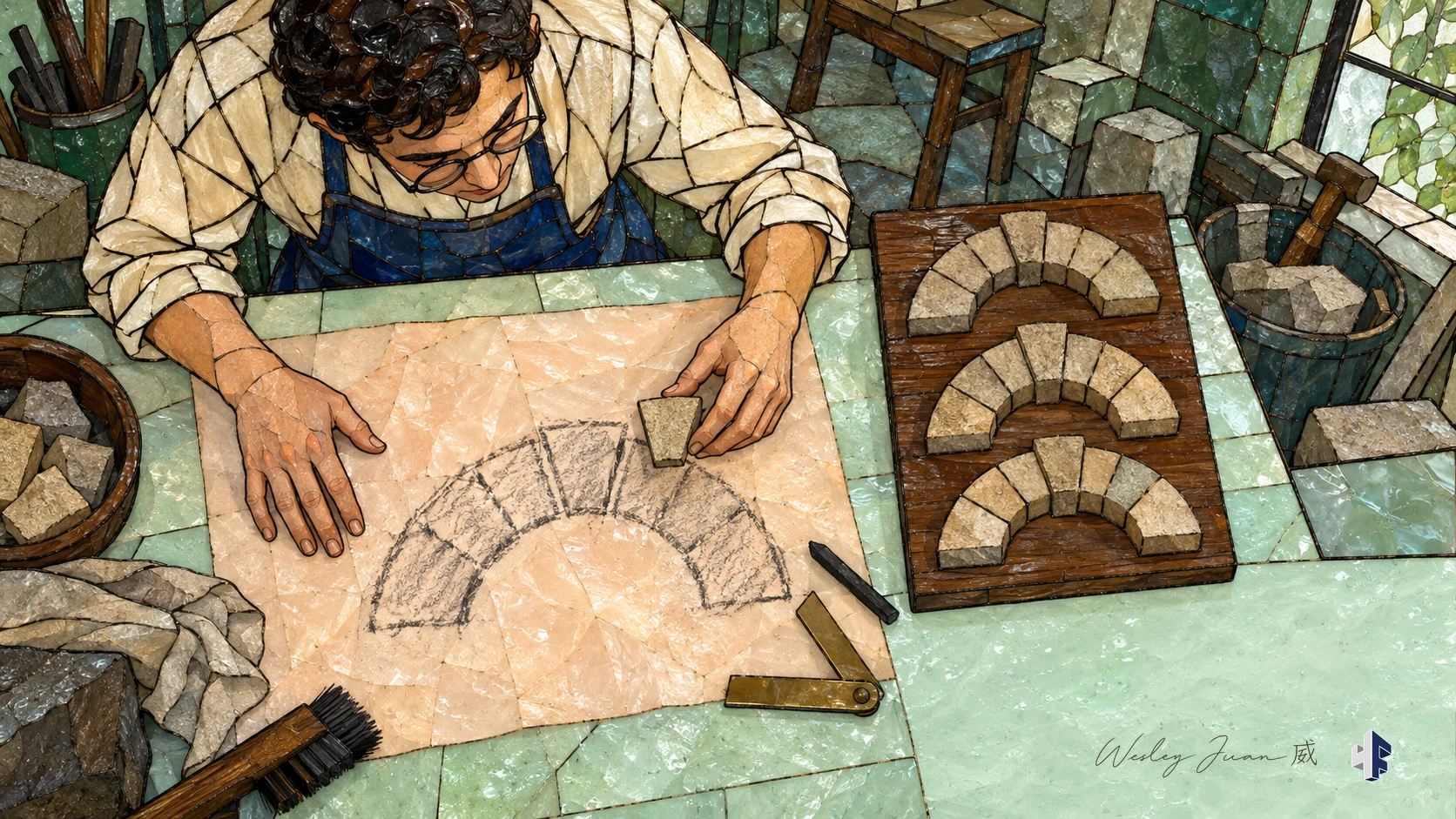
Leave the next tool a note that doesn’t depend on menus
Next time you finish a job, pick one key step. Write down the problem it solved, how you knew it was done, and the limit that’s easiest to miss. Put the software name and button path on a separate line.
For example: the background sound drops here so one important line comes through clearly; it’s done when you don’t have to rewind at normal volume; but the room shouldn’t suddenly sound like the air was sucked out of it. Take that note to a different tool and it still gets you started.
Of course, a new tool also brings things you couldn’t do before, and sometimes the whole way you worked deserves a rethink. Taking the ideas with you doesn’t mean hauling the old workflow over untouched. It gives you a starting point you can set out from, and revise.
Your editing software gets a new interface tomorrow. Which of your judgment calls will still help you cut a good video?
Your notes and saves (optional)
Keep a version of your own.
Saved only in this device’s browser and never sent anywhere. Other devices won’t see it, and clearing your browsing data erases it.